
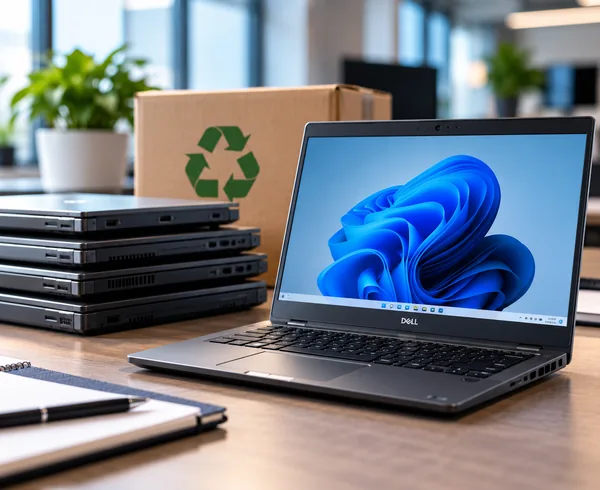
A laptop appears online at a good price.
The specification looks right, it has Windows 11 installed and somebody places the order.
Then it arrives and the IT team discovers one important detail:
It is running Windows Home rather than Windows Pro.
It is an easy mistake to make, particularly when businesses buy equipment directly from consumer retailers.
But Home and Pro are not simply two differently priced versions of the same thing.
Why does Windows Pro matter?
Windows Home is designed primarily for personal use.
Windows Pro includes additional capabilities designed for business environments, including BitLocker Drive Encryption, Remote Desktop hosting and the ability to join a traditional domain or Microsoft Entra ID. Microsoft specifically confirms those as Pro features. Microsoft Support
For a standalone home computer, those differences may not matter.
For a business trying to manage dozens of devices securely, they can matter a great deal.
Device management becomes harder
Modern businesses increasingly manage computers centrally.
That allows an IT provider to apply consistent security settings, manage user access and control how company devices are configured.
Microsoft Entra ID is an important part of many modern Microsoft environments.
Windows Home devices cannot be joined to Microsoft Entra ID in the same way as supported business editions. Microsoft Learn
So the cheaper laptop can immediately create a complication for whoever manages the company’s IT.
This is one reason device management forms an important part of TCNS IT Support & Workplace.
Security should be consistent
Businesses also need consistency across their computers.
Your cyber security arrangements are stronger when devices can be configured and managed to common standards.
Having one machine operating differently because somebody saved money buying the Home edition can create unnecessary complexity.
It does not mean Windows Home is insecure.
It means it may not provide the business management features your organisation expects.
Can Home be upgraded?
Yes.
Microsoft supports upgrading Windows Home to Windows Pro. Microsoft Support
So buying the wrong edition is not necessarily disastrous.
But there is still a cost.
There is the licence upgrade, engineering time, configuration work and the inconvenience of discovering the issue after the device has arrived.
The saving can disappear surprisingly quickly.
Check before you order
Before purchasing a business PC, check:
- Windows 11 Pro, not simply Windows 11
- processor model and generation
- memory and storage
- manufacturer warranty
- business or consumer product range
- compatibility with your existing IT environment
If you are unsure, ask your IT provider before placing the order.
TCNS is perfectly comfortable supporting equipment that customers source themselves.
We would simply rather help check the specification before it arrives than explain afterwards why the cheapest option was not necessarily the right one.

